
Best LMS Plugins for WordPress: Complete Guide 2026
Best LMS plugins for WordPress: Complete guide for 2026. Compare Tutor LMS, LearnDash, Sensei, MasterStudy, and LifterLMS. Pricing, features, and payment integration.
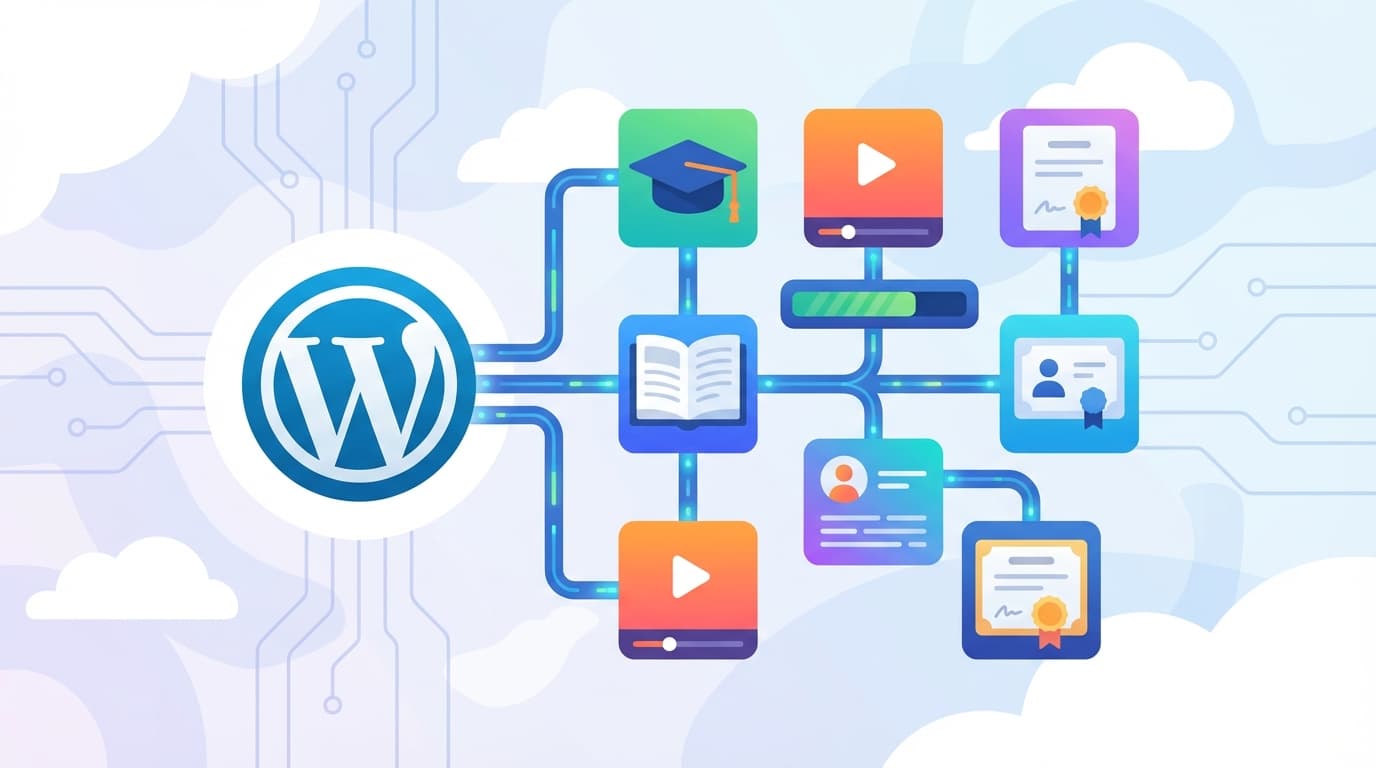
Want to transform WordPress into a full-featured learning platform? LMS plugins make it possible, and in 2026 you have several mature solutions to choose from. An LMS plugin (Learning Management System) adds everything you need: course creation, student management, quizzes, certificates, and the ability to sell educational content. However, each plugin differs in price, features, and level of language support. That's where things get tricky.
This article provides a detailed comparison of the five best LMS plugins for WordPress. We focus on what course creators actually need to know: localization capabilities, payment gateway integration, and real costs. All information is based on current market research for 2026.
Why Choosing the Right LMS Plugin Is Critical
It's not just about which plugin looks best in screenshots. Choosing an LMS plugin is a strategic decision that affects teaching quality, operating costs, and the scalability of your entire project. In 2026, most plugins operate on an annual subscription model with prices ranging from approximately $149 to $199 per year for a single license. So-called "Lifetime" licenses are becoming increasingly rare and their prices are rising. They're still offered by Tutor LMS and MasterStudy LMS, among others.
For international users, there's another crucial consideration: integration with local payment gateways. Without WooCommerce integration, it can be very difficult to set up region-specific payment processors. The good news? All major LMS plugins (LearnDash, Tutor LMS, LifterLMS, and Sensei LMS) fully support this integration.
Tutor LMS: Best Price-to-Performance Ratio
Tutor LMS is growing rapidly and deservedly so. It offers a modern user interface, an intuitive drag-and-drop course builder, and for most course creators in 2026, it represents the best price-to-performance ratio. The main reasons? The availability of a Lifetime license and a modern design that doesn't require extensive customization right out of the box.
Pricing and Licensing Model
- Free: Available (with limited features)
- Pro versions: Approximately $199/year for one site, approximately $399/year for 10 sites
- Lifetime license: Approximately $499 one-time payment – a major advantage in 2026, as most competitors have discontinued this option
Language Support
Tutor LMS supports multilingual functionality through WPML and Polylang plugins. Community translations exist for many languages, but for 100% localization in both the admin panel and frontend, you'll likely need the Loco Translate plugin to fine-tune specific phrases. According to market research, Tutor LMS has a modern interface that's easy to localize.
Key Features
- Frontend dashboard: Students and instructors work in a clear interface without needing to access the WordPress admin area
- Advanced quiz builder: Wide range of question types and settings
- Certificates: Automatic generation upon course completion
- Drip content: Gradual content release according to a schedule
On community forums (Reddit, Facebook groups), users often praise Tutor LMS for "looking good right out of the box" and not requiring as much CSS customization as LearnDash, for example. For someone who doesn't want to spend hours tweaking the appearance, this can be a deciding factor.
LearnDash: Industry Standard for Demanding Projects
LearnDash is the most robust LMS solution for WordPress. It's used by universities and large corporations and remains the industry standard. It's the first choice where budget and technical complexity aren't obstacles, but where maximum control over every detail of the learning process is required.
Pricing and Licensing Model
- Free version: Not available
- License: Approximately $199/year for one site, approximately $399/year for 10 sites
- Lifetime license: Not available
Language Support
Let's be honest here. LearnDash doesn't have complete translations out-of-the-box for many languages. The official language pack may not be complete, and users will need to translate part of the interface themselves using .po/.mo files or the Loco Translate plugin. Factor this in as a time investment that needs to be included in project planning.
Key Features
- Focus Mode: A concentration mode that removes distracting website elements and allows students to fully immerse themselves in learning
- Prerequisites: Advanced course unlocking – students must complete a previous course to gain access to the next one
- Video Progression: Students must watch the entire video to continue – a key feature for compliance training
- Powerful API: Developers prefer LearnDash for its stability and API when building complex custom solutions
LearnDash is ideal for organizations that need maximum control over the learning process and are willing to invest in setup and customization. For smaller projects, however, it may be unnecessarily complex and expensive.
Sensei LMS: Cleanest Integration into the WordPress Ecosystem
Sensei LMS comes directly from Automattic, the creators of WordPress and WooCommerce. This gives it a unique advantage: the cleanest and most natural integration into the entire ecosystem. Running an e-commerce store on WooCommerce and want to add a course section? Sensei is for you.
Pricing and Licensing Model
- Free: Available
- Sensei Pro: Approximately $179/year (often discounted, for example, first year cheaper)
Language Support
Sensei LMS has very good language support in 2026. Automattic's backing means a strong community of translators and priority localization. Along with Tutor LMS, it's among the plugins with the best prerequisites for international markets.
Key Features
- Learning Mode: Minimalist design for learning that eliminates distracting elements
- Gutenberg integration: Deep integration with WordPress's native block editor – you create courses the same way as regular pages
- Native WooCommerce connection: Sell courses as products directly through WooCommerce without needing additional add-ons
The native WooCommerce connection also solves the payment gateway problem. Simply set up your preferred payment gateway in your e-shop and courses sell just like any other product. No complex additional configuration required.
MasterStudy LMS: Lowest Entry Price and Live Lessons
MasterStudy LMS targets appearance and specific features for educational portals. Among competitors, it stands out in two ways: one of the lowest prices on the market and integration of tools for live online lessons.
Pricing and Licensing Model
- Free: Available
- Pro versions: Approximately $89/year for one site – one of the lowest prices on the market
- Lifetime license: Available
Language Support
MasterStudy LMS is compatible with WPML and Polylang, but for full localization you'll need manual translation via Loco Translate.
Key Features
- Zoom and Google Meet integration: Direct connection to videoconferencing tools – ideal for live webinars and online lessons
- Mobile app: Available for an additional fee, allows students to learn on the go
- SCORM support: Compatibility with the SCORM standard for importing and exporting educational content
For schools and instructors who host live webinars and need Zoom integration, MasterStudy LMS is a clear choice. And thanks to its low entry price, it's also suitable for beginning course creators with limited budgets.
LifterLMS: Specialist in Membership Sites and Communities
LifterLMS focuses on membership sites and social learning. If you're building a project where education is connected with a community aspect, it deserves your attention.
Recommended: E-learning and Vibecoding: The Future of Education
Pricing and Licensing Model
- Free: Core available, but without payment gateways – and that's a critical limitation
- Earth Bundle: Approximately $149/year (adds e-commerce features)
- Infinity Bundle: Approximately $749/year (all add-ons)
Language Support
LifterLMS allows you to upload custom language packs, but complete translations aren't guaranteed in the base package. Expect the need for manual translation.
Key Features and Risks
LifterLMS excels at building community websites and membership sites. But there's a catch. The "Core free + paid add-ons" model can be tricky. You can easily end up paying more for necessary features like certificates, grading, or exports than you would for a "more expensive" LearnDash with a complete feature set in one license.
Comparison Table: Overview at a Glance
For quick reference, here are the key parameters of all five plugins in 2026:
- Tutor LMS: From $199/year (Lifetime $499) | Language support: good with fine-tuning | Best for: most course creators
- LearnDash: From $199/year (no Lifetime) | Language support: weaker, manual translation needed | Best for: enterprise and universities
- Sensei LMS: From $179/year (free base) | Language support: very good | Best for: WooCommerce e-shops
- MasterStudy LMS: From $89/year (free base, Lifetime available) | Language support: manual translation needed | Best for: live lessons and webinars
- LifterLMS: From $149/year (free base without payments) | Language support: manual translation needed | Best for: membership sites and communities
Payment Gateways and WooCommerce Integration
Connecting to payment gateways is absolutely crucial for course creators. And in 2026, the solution is fairly straightforward: all major LMS plugins (LearnDash, Tutor LMS, LifterLMS, and Sensei LMS) fully support integration with WooCommerce. Through WooCommerce, you can easily connect various payment gateways including Stripe, PayPal, and regional processors.
Sensei LMS has a natural advantage here, coming from the same company as WooCommerce (Automattic), so the connection is native and requires no additional add-ons. For other plugins, integration happens through extensions, but it works reliably.
Localization: What to Expect
Watch out for one of the most common misunderstandings. When a plugin declares "Translation Ready," it doesn't mean it's translated into your language. It only means it's technically prepared for translation. The actual translation of phrases must be provided by the user or community.
According to market research, expect a time investment of approximately 2 to 5 hours of work to translate frontend phrases like "Start Course," "Quiz Results," and similar. The Loco Translate plugin or PoEdit tool are used for this.
The best situation in 2026 is with two plugins:
- Sensei LMS – thanks to Automattic's backing, it has strong community translation support and is often prioritized for localization
- Tutor LMS – modern interface that's easy to localize, with existing community translations
On the other hand, LearnDash has a weaker position in this regard. The official package may not be complete, and users must expect manual translation work.
Technical Requirements and Performance
LMS plugins are demanding on database and server computing power. According to market research, cheap shared hosting won't be sufficient for LearnDash or Tutor LMS if you have more than 10 concurrent students. VPS (virtual private server) or quality managed hosting is recommended.
Many beginning course creators underestimate this. Hosting costs are part of the overall project budget, and quality hosting can cost several times more than the LMS plugin license itself.
Risks and What to Watch Out For
When choosing an LMS plugin for WordPress, there are several risks you should know about in advance:
- The "add-on" model trap: For some plugins (especially LifterLMS), the "Core free + paid add-ons" model is tricky. You can end up paying more for necessary features like certificates, grading, or exports than for a complete license of a "more expensive" plugin.
- Time investment in translation: Expect 2 to 5 hours of work on localization, even for plugins with existing community translations.
- Server performance: LMS plugins are database-intensive. Investment in quality hosting is a necessity, not a luxury.
- Annual subscription dependency: Most plugins in 2026 operate on an annual subscription model. Stop paying? You lose access to updates and support. Lifetime licenses (Tutor LMS, MasterStudy) eliminate this risk.
How to Choose the Right Plugin
The choice depends on your project's specific needs. Based on market research for 2026, the following can be recommended:
- For most course creators: Tutor LMS – best price-to-performance ratio, modern design, Lifetime license available
- For demanding enterprise projects: LearnDash – most robust features, powerful API, but higher technical complexity and weaker language support
- For WooCommerce e-shops: Sensei LMS – cleanest integration, very good language support, Automattic backing
- For live lessons and webinars: MasterStudy LMS – Zoom integration, lowest price on the market
- For community websites and membership sites: LifterLMS – strong in membership features, but watch out for add-on costs
Whichever plugin you choose, don't forget the key condition: WooCommerce integration for connecting payment gateways. All five plugins mentioned above meet this condition, so you don't need to worry about payments with any of them.
For organizations looking for a more comprehensive solution without the need to manage WordPress infrastructure, a specialized SaaS platform for corporate training may be an alternative. Such platforms offer advanced analytics, course management, and scalability without the technical concerns associated with running your own server.
 Ready to transform your training?
Written by
LearnSkill Team
Helping companies build better learning experiences.
Transform Your Corporate Training
Create engaging courses, track progress, and ensure compliance with LearnSkill's modern LMS platform.
Related Articles

E-learning and Vibecoding: The Future of Education
The most popular e-learning platforms and how vibecoding is changing the future of education

AI Microlearning Boosts Performance
More than just bite-sized content: How AI-powered microlearning drives real performance in 2025

Employee Development Strategies for Growth
7 employee development strategies that actually support career growth in 2026